







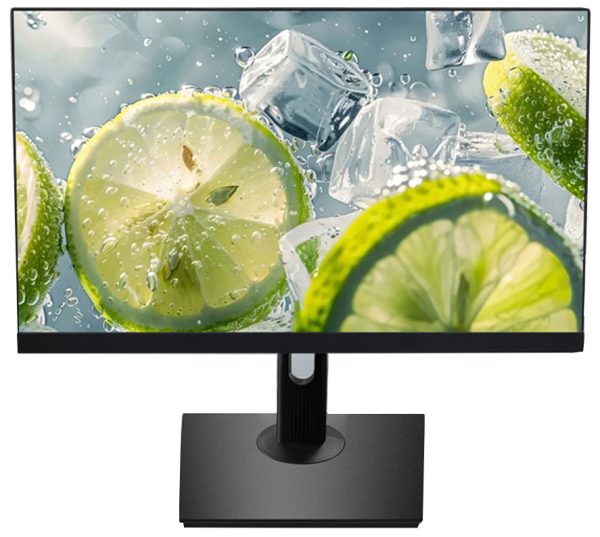
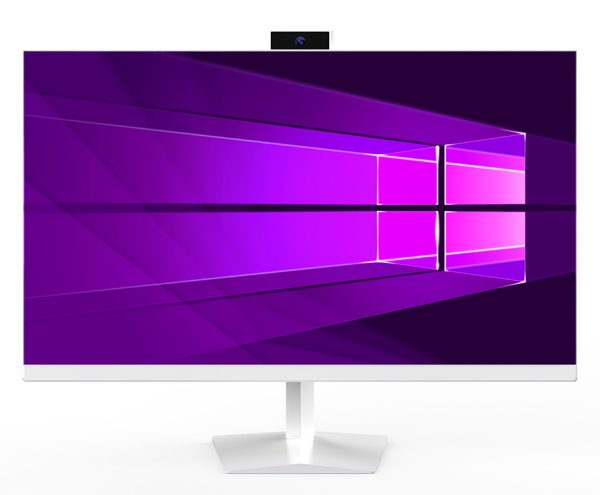
M2380 24-Inch All-in-One PC for Business, Education, and Commercial Projects
Finding the right desktop computer for a business project is not only about processor speed. For many buyers, the real priorities are a clean installation, reliable daily operation, efficient use of workspace, flexible connectivity, and the ability to configure products for different markets.
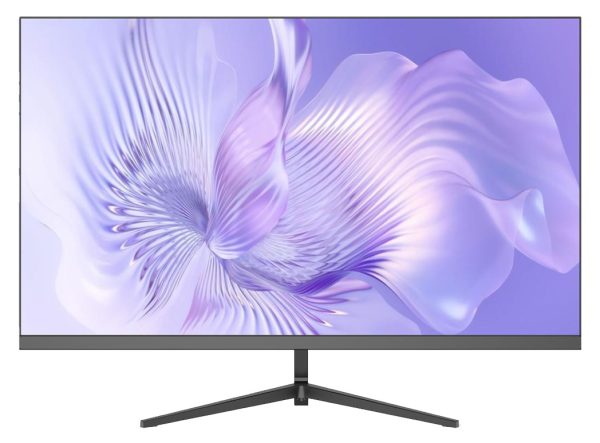
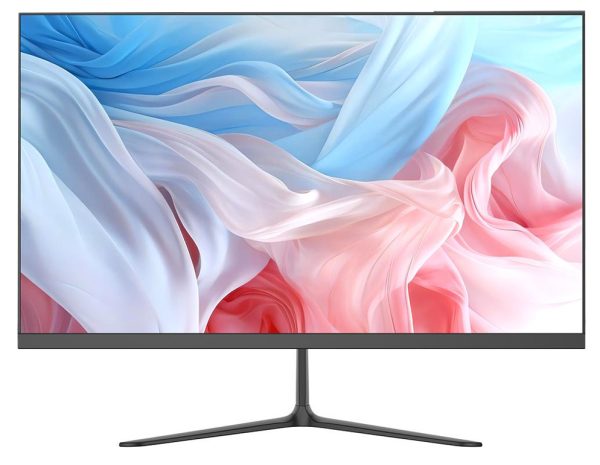
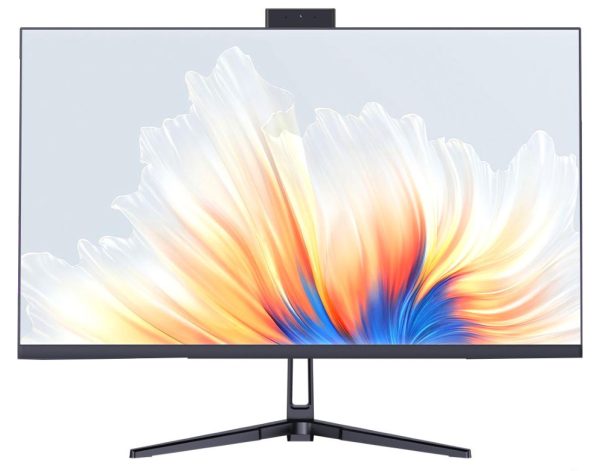
The M2380 24-inch all-in-one computer is designed for B2B buyers who need a practical desktop solution with a built-in display, integrated components, and a professional appearance. It can be used in offices, reception areas, classrooms, retail counters, service centers, and other commercial environments where space and appearance matter.
A Cleaner Alternative to Traditional Desktop Setups
A traditional desktop computer usually requires a separate monitor, computer case, power connections, and additional cables. This can make installation more complicated, especially when a project requires multiple workstations.
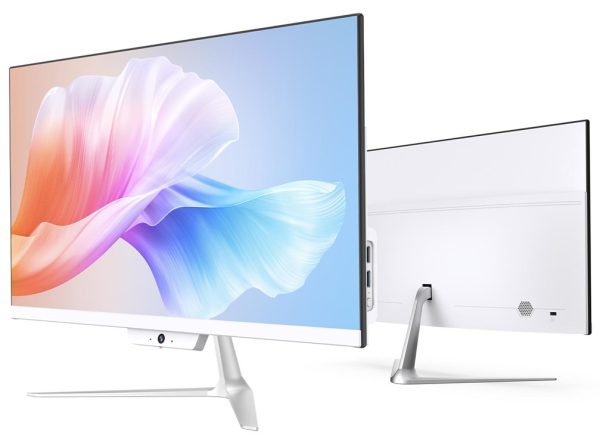
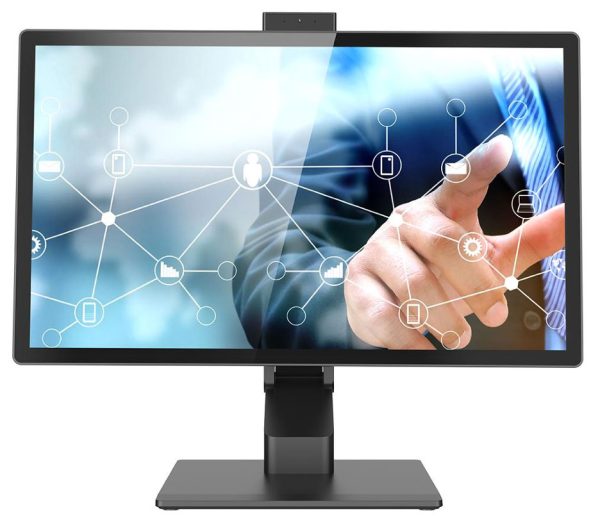
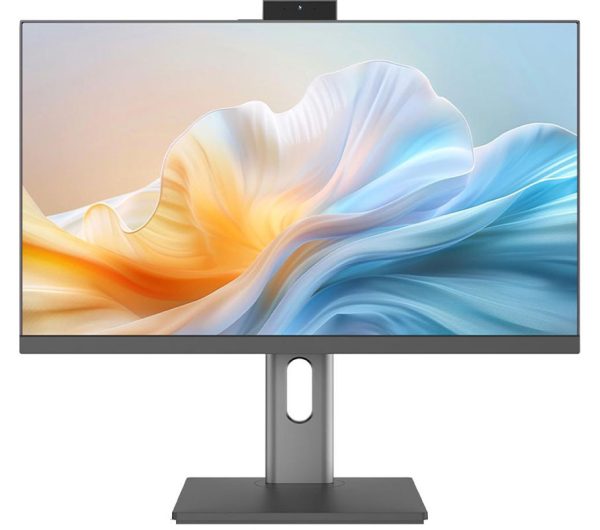
The M2380 combines the computer and display in one enclosure. This helps reduce the number of external components on a desk and creates a more organized working area. For system integrators, wholesalers, and project buyers, an all-in-one design can also simplify product selection and deployment.
The 24-inch screen provides a practical balance between viewing comfort and desk efficiency. With a Full HD resolution of 1920 × 1080 and an IPS panel, the display is suitable for common business applications such as:
Office software and document management.
Customer registration and service counters.
Point-of-sale and retail support systems.
Education and training environments.
Reception and visitor management.
Digital administration and back-office work.
General web-based business applications.
24-Inch IPS Full HD Display
The display is one of the most important parts of an all-in-one computer because users interact with it throughout the working day.
The M2380 features a 24-inch IPS display with a resolution of 1920 × 1080. The IPS panel design is intended to provide consistent image quality across a wider viewing angle than many basic display technologies. This is useful in shared workspaces, classrooms, reception desks, and commercial areas where more than one person may need to view the screen.
The Full HD resolution offers enough desktop space for everyday business tasks while keeping the product compatible with widely used software and operating systems. Buyers can also select the display configuration that best fits their project requirements, depending on the intended use and market.
Flexible Intel Processor Platform
The M2380 uses an Intel processor platform. The exact processor, memory capacity, storage capacity, and operating system can be discussed according to the buyer’s project requirements.
This flexibility is important for B2B customers because different applications have different hardware needs. A basic office workstation may require a different configuration from a self-service terminal, classroom computer, or commercial information system.
Possible configuration factors include:
Intel processor selection.
DDR4 memory capacity.
M.2 SSD storage capacity.
Windows 10 or Windows 11 compatibility.
Regional power and plug requirements.
Pre-installation requirements.
Logo, packaging, or product labeling needs.
For a large order, buyers should confirm the required processor model and other internal specifications before placing a purchase order. This helps ensure that the final configuration matches the software and workload of the project.
M.2 SSD and DDR4 Memory
The M2380 supports DDR4 high-frequency memory and M.2 high-speed SSD storage. Together, these components can provide a responsive foundation for daily office and commercial computing tasks.
An M.2 SSD can help reduce startup and application loading times compared with older mechanical hard drives. It also has no spinning disk, which can be beneficial for products intended for regular daily use.
DDR4 memory is suitable for common business workloads, including office software, browser-based platforms, video playback, administrative tools, and customer service applications. The appropriate capacity depends on the software environment and the number of applications that users need to run at the same time.
For B2B purchasing, it is useful to specify the following items in advance:
Processor model.
RAM capacity.
SSD capacity.
Operating system version.
Software installation requirements.
Expected daily workload.
Connectivity for Commercial Applications
The M2380 includes a range of ports for connecting common business peripherals and external devices. The listed interfaces include USB ports, HDMI, VGA, RJ45 Ethernet, microphone, audio, and a DC power connection.
This selection can support applications such as:
Wired network access.
External monitors.
Barcode scanners.
Printers and receipt printers.
Keyboards and mice.
Audio equipment.
Service or registration peripherals.
Legacy display equipment using VGA.
The computer also includes built-in audio, Bluetooth 4.0, and dual-band Wi-Fi support. Wireless connectivity can make installation more convenient in environments where cable routing is limited. For fixed commercial installations, however, buyers should decide whether Wi-Fi or wired Ethernet is more appropriate for their network and security requirements.
Two Stand Options for Different Projects
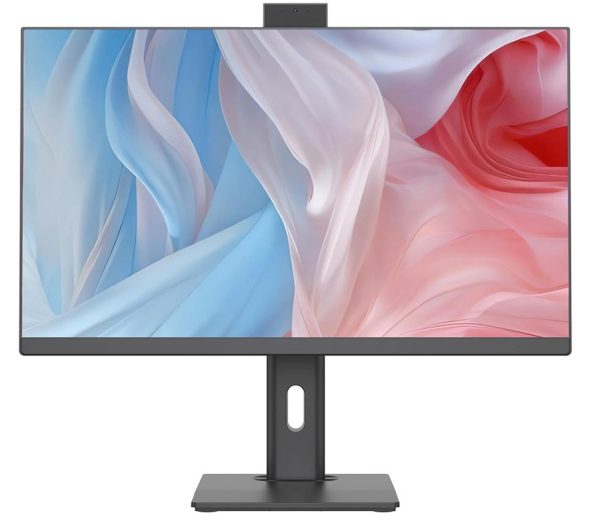
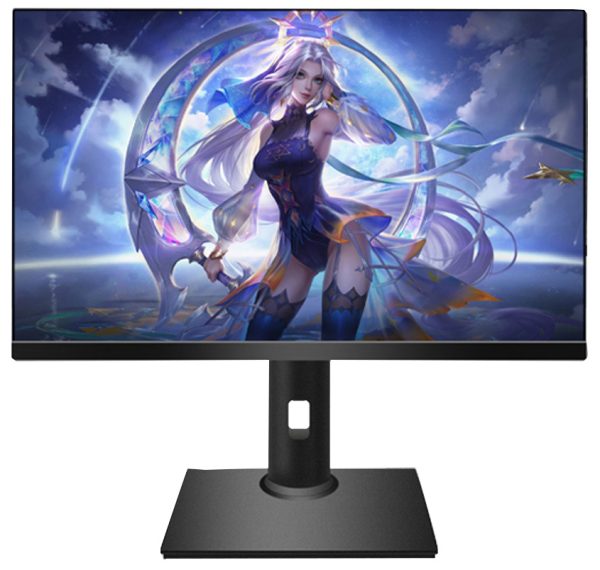
The M2380 is shown with two stand configurations, allowing buyers to choose a design according to the intended installation environment.
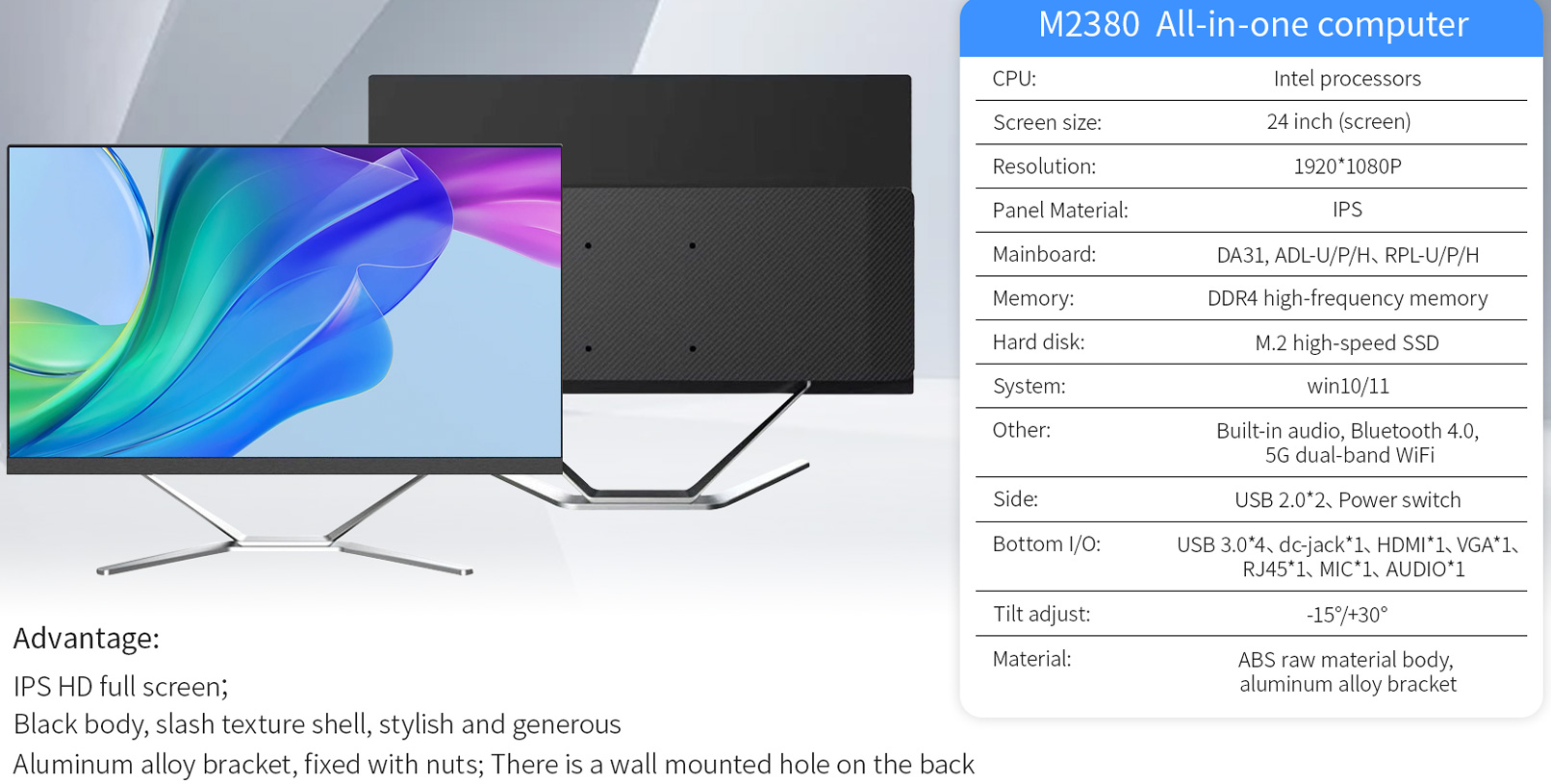
Desktop X-shaped stand
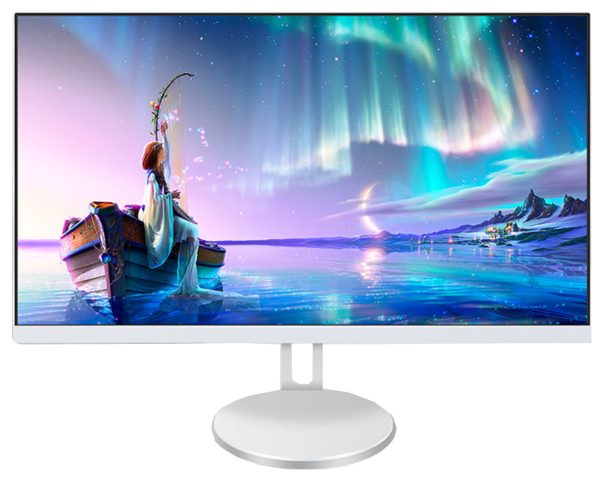
The standard desktop version uses an aluminum alloy bracket and a slim X-shaped base. It is suitable for office desks, reception counters, training rooms, and general workstation installations.
The design gives the product a modern appearance while maintaining a relatively open area beneath the display. This can make it easier to organize a keyboard, documents, or other desk accessories.
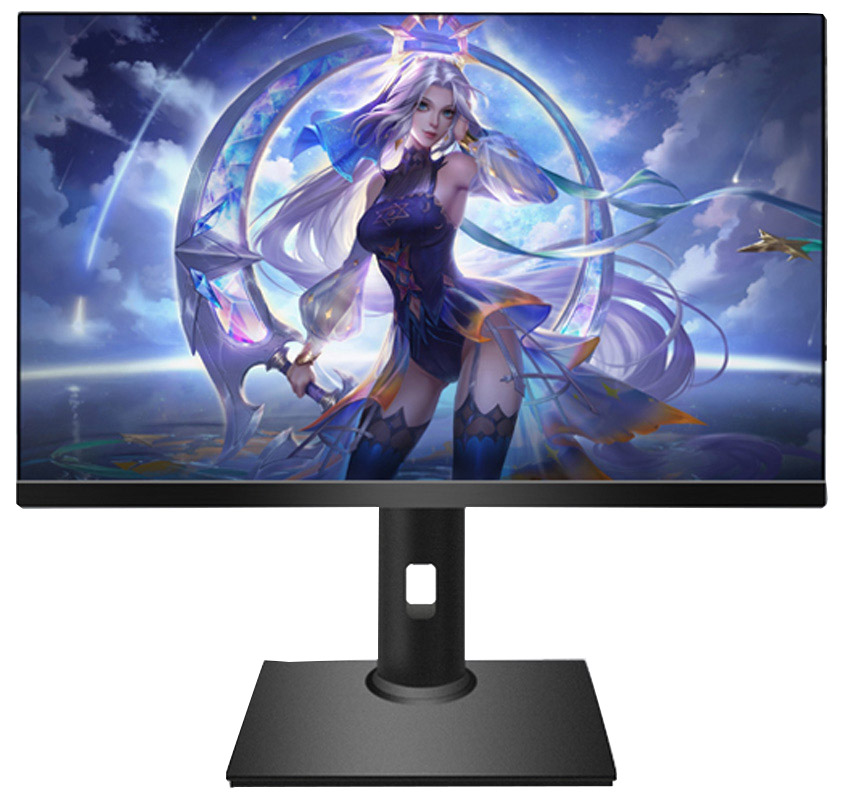
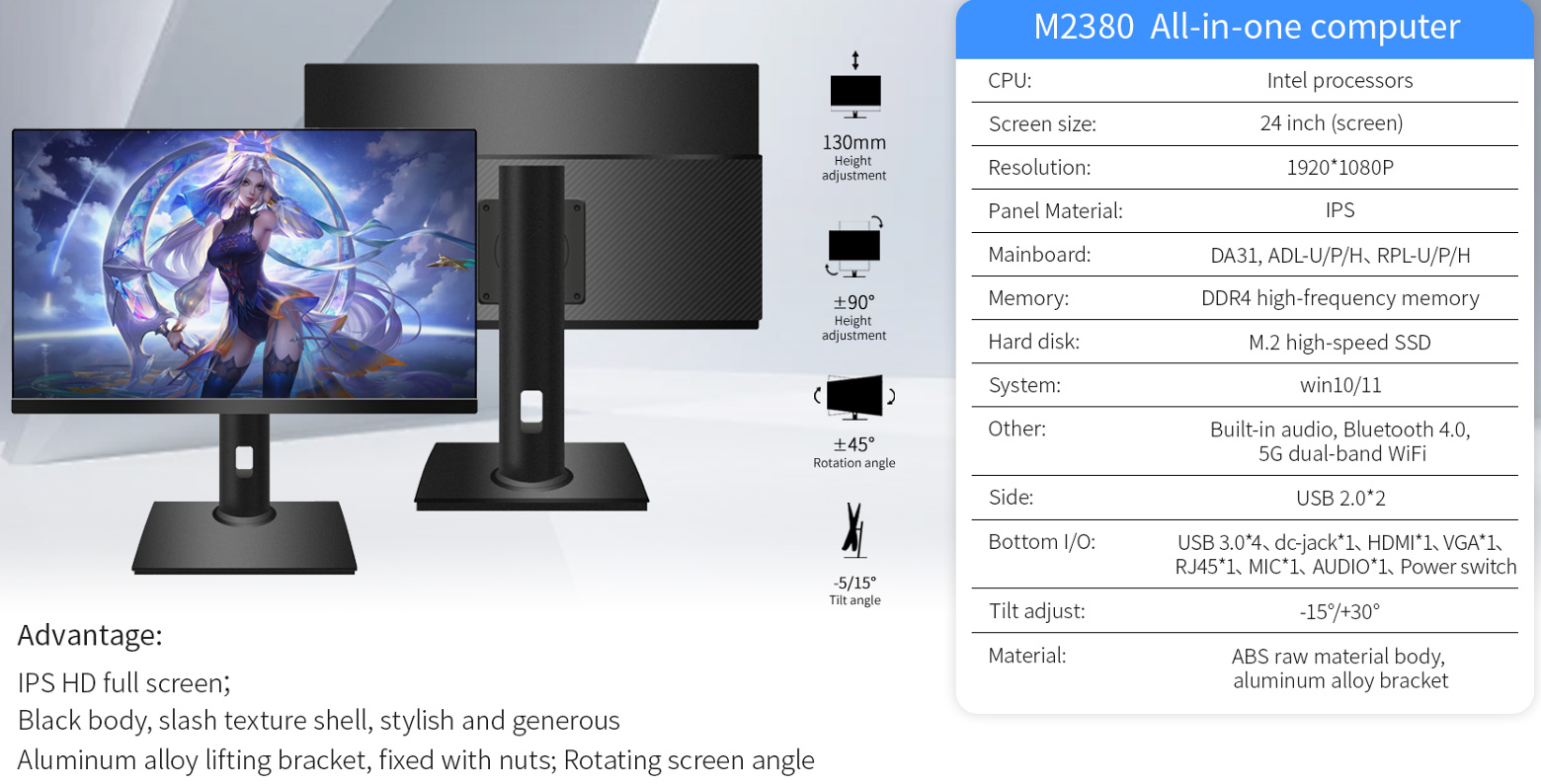
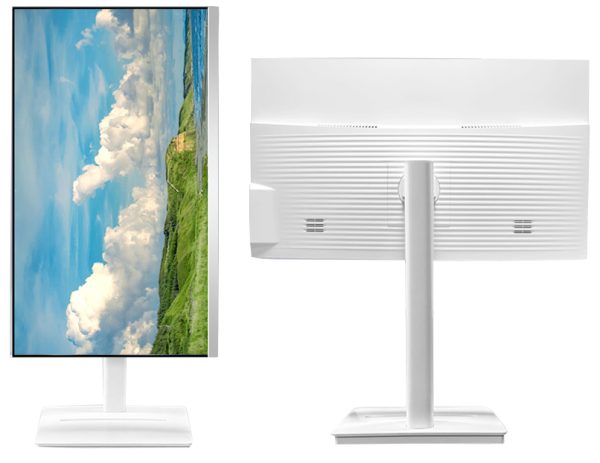
Height-adjustable rotating stand
The second version uses a vertical stand that supports additional adjustment. The illustrated configuration includes:
Approximately 130 mm height adjustment.
Approximately ±90° height adjustment range.
Approximately ±45° screen rotation.
Approximately -5° to +15° tilt adjustment.
These adjustments can be useful when different users share the same workstation or when the screen needs to be positioned for a specific counter, classroom, or service environment.
Before selecting a stand, project buyers should consider the counter depth, user height, viewing direction, cable clearance, and whether the screen needs to be rotated or repositioned during operation.
Wall-Mounting Possibility
The product information indicates that there is a wall-mounted hole on the back of the computer. This may provide another installation option for space-sensitive projects.
Wall-mounted installation can be useful in:
Small reception areas.
Information points.
Monitoring rooms.
Training facilities.
Public service counters.
Retail and commercial environments.
The wall structure, mounting hardware, ventilation clearance, and cable routing should be checked before installation. The exact mounting standard and compatible bracket should also be confirmed with the supplier before mass deployment.
Designed for OEM and Project Orders
B2B buyers often need more than a standard retail product. They may require a specific configuration, packaging method, operating system, logo, accessories, or delivery schedule.
The M2380 platform can be discussed for different project requirements, including:
Wholesale distribution.
Office computer procurement.
Education projects.
Retail and service counters.
System integration.
Commercial display installations.
OEM and private-label programs.
When requesting a quotation, buyers should provide as much project information as possible. Useful details include the target quantity, destination country, processor preference, RAM and SSD requirements, operating system, stand type, logo requirements, packaging needs, and estimated purchasing schedule.
This allows the manufacturer to provide a more accurate recommendation and quotation.
M2380 Product Specifications


Reviews
There are no reviews yet.