







27-Inch IPS Monitor for Clear, Comfortable Everyday Viewing
Finding the right computer monitor is not only about choosing a larger screen. For office work, study, entertainment, and general desktop use, a good display should offer a comfortable viewing area, clear image quality, reliable performance, and a design that fits naturally into the workspace.
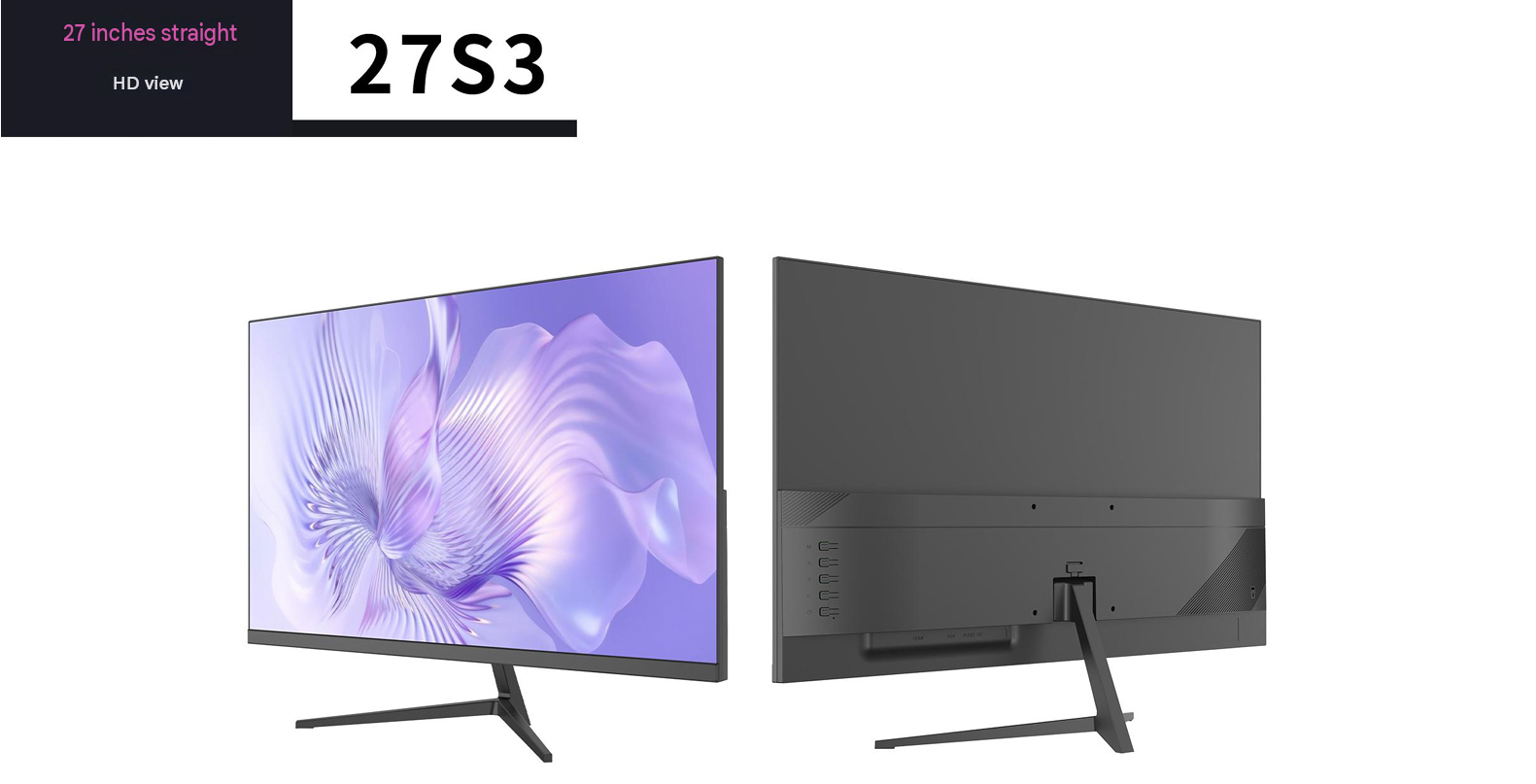
The 27S3 27-inch IPS monitor is designed as a practical display solution for distributors, system integrators, retailers, and brands looking for a dependable monitor platform for international markets. With a slim straight-screen design, V-shaped metal stand, adjustable color temperature, and multiple refresh-rate options, it combines everyday usability with a clean, modern appearance.
A 27-Inch Screen That Fits More Work
A 27-inch display provides a useful balance between screen size and desk space. Compared with smaller monitors, it gives users more room for documents, spreadsheets, browser windows, and creative applications without requiring an oversized workstation.
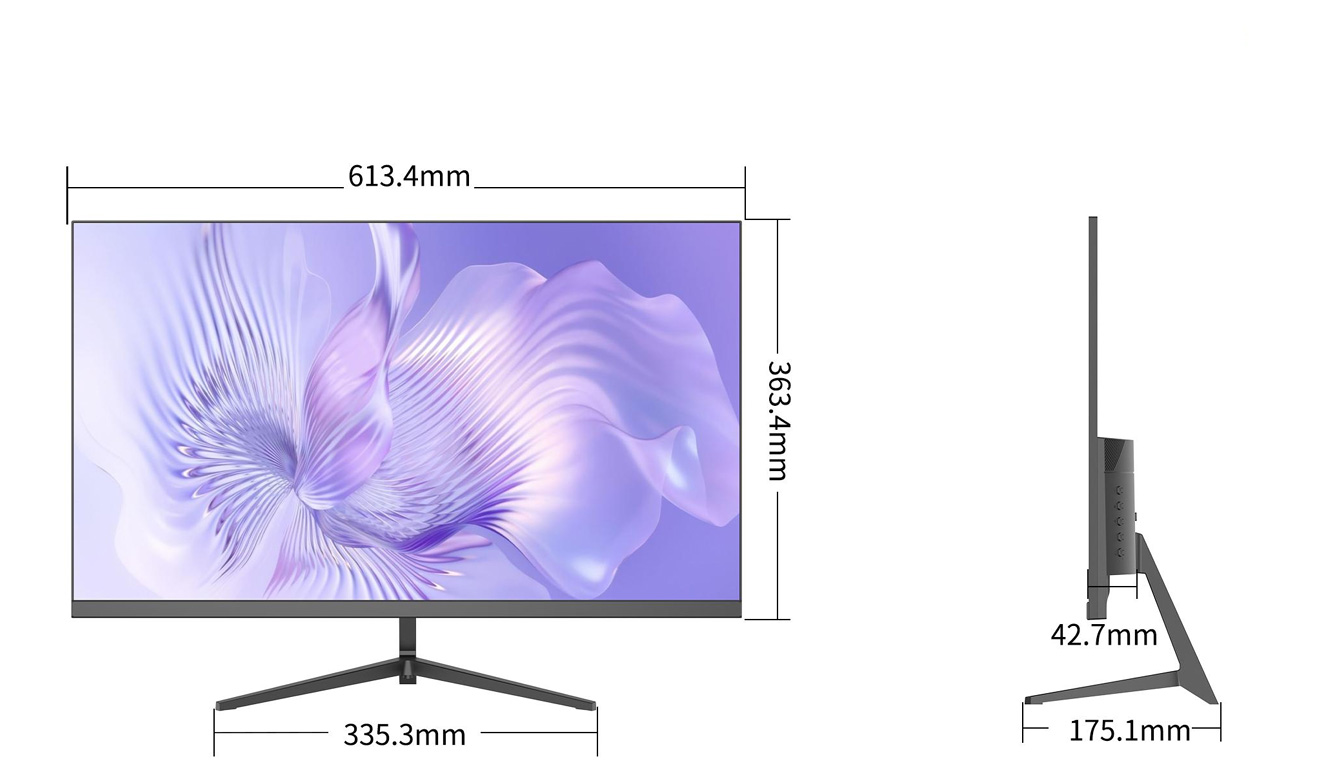
The 27S3 features an approximately 613.4 mm wide and 363.4 mm high display area, while its slim profile is approximately 42.7 mm at the panel section. The stand occupies approximately 335.3 mm in width and 175.1 mm in depth, making it suitable for many home offices, business desks, classrooms, and commercial environments.
Its 16:9 screen ratio is familiar to most users and works well for:
Office documents and spreadsheets.
Online learning and remote meetings.
Web browsing and business applications.
Video playback and casual entertainment.
Entry-level design and visual content work.
Public-sector, education, and commercial desktop installations.
IPS Panel for Consistent Color
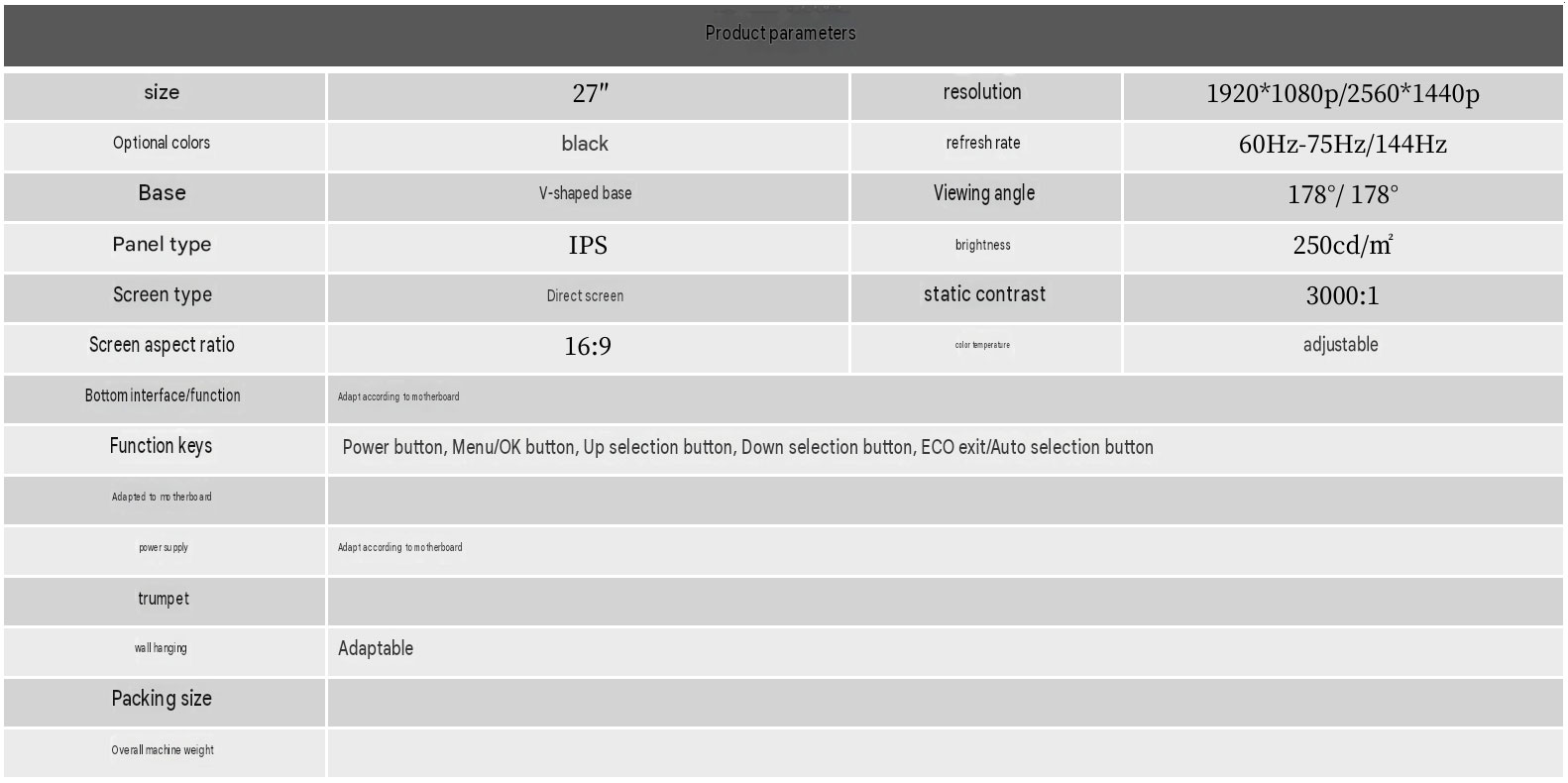
The 27S3 uses an IPS panel, a popular choice for users who need stable image quality across a broad viewing area. IPS technology is generally valued for its consistent color performance and wide viewing characteristics, which can make the screen easier to share in offices, meeting rooms, classrooms, and reception areas.
The listed viewing angle is 178° horizontally and 178° vertically. This allows users to see the screen from different seating positions without needing to face the panel perfectly straight on.
For businesses, this can be especially useful when a monitor is used for:
Collaborative office work.
Customer-facing counters.
Training rooms and classrooms.
Dual-monitor or multi-monitor installations.
Shared information and control stations.
The display has a listed static contrast ratio of 3000:1 and brightness of 250 cd/m². These specifications are intended for ordinary indoor environments, where users need a clear image for daily productivity rather than an extremely high-brightness display for outdoor use.
Flexible Refresh Rate Options
Different customers require different levels of display performance. The 27S3 can be configured with refresh-rate options of 60 Hz, 75 Hz, or 144 Hz, depending on the selected panel or mainboard configuration.
A 60 Hz version can be suitable for standard office, education, and business applications. A 75 Hz version may provide a slightly smoother desktop experience for everyday scrolling and general use. For customers targeting gaming-oriented or entertainment-focused markets, a 144 Hz configuration can offer a more fluid visual experience when supported by the computer hardware and connection interface.
This flexible configuration makes the 27S3 suitable for different product strategies, including:
Basic office monitors.
Home-use displays.
Entry-level gaming monitors.
Education and institutional projects.
Private-label and OEM product ranges.
Distributor portfolios with multiple performance levels.
Refresh rate should always be matched with the selected resolution, interface, panel specification, and mainboard solution. Final performance depends on the complete monitor configuration rather than the refresh-rate number alone.
Full HD and Quad HD Configurations
The 27S3 supports configuration options including 1920 × 1080 and 2560 × 1440 resolution. These two resolutions allow customers to position the monitor for different market segments and price levels.
The 1920 × 1080 version is commonly used for general office work, online learning, home entertainment, and cost-sensitive projects. It offers broad compatibility with mainstream computers and is a practical choice for large-volume procurement.
The 2560 × 1440 version provides a higher pixel count on the same 27-inch screen size. This can be useful for users who want more workspace for multitasking, sharper text, or additional detail in visual applications.
When selecting the final version, buyers should consider:
Target customer group.
Graphics-card and system compatibility.
Expected viewing distance.
Retail price positioning.
Intended software and content.
Regional market demand.
Clean Design for Modern Workspaces
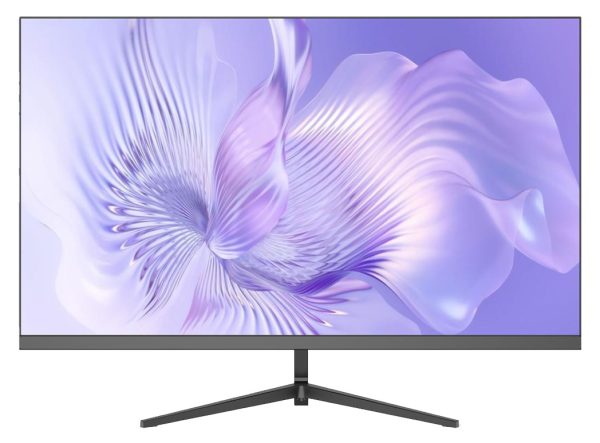
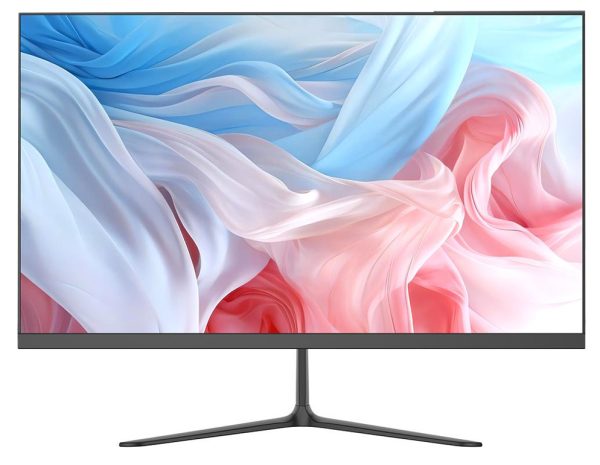
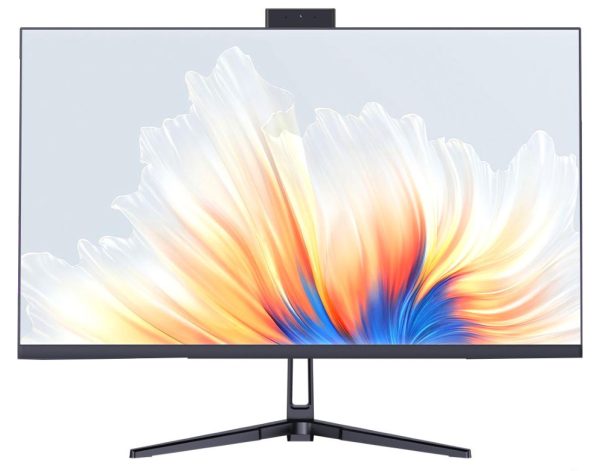
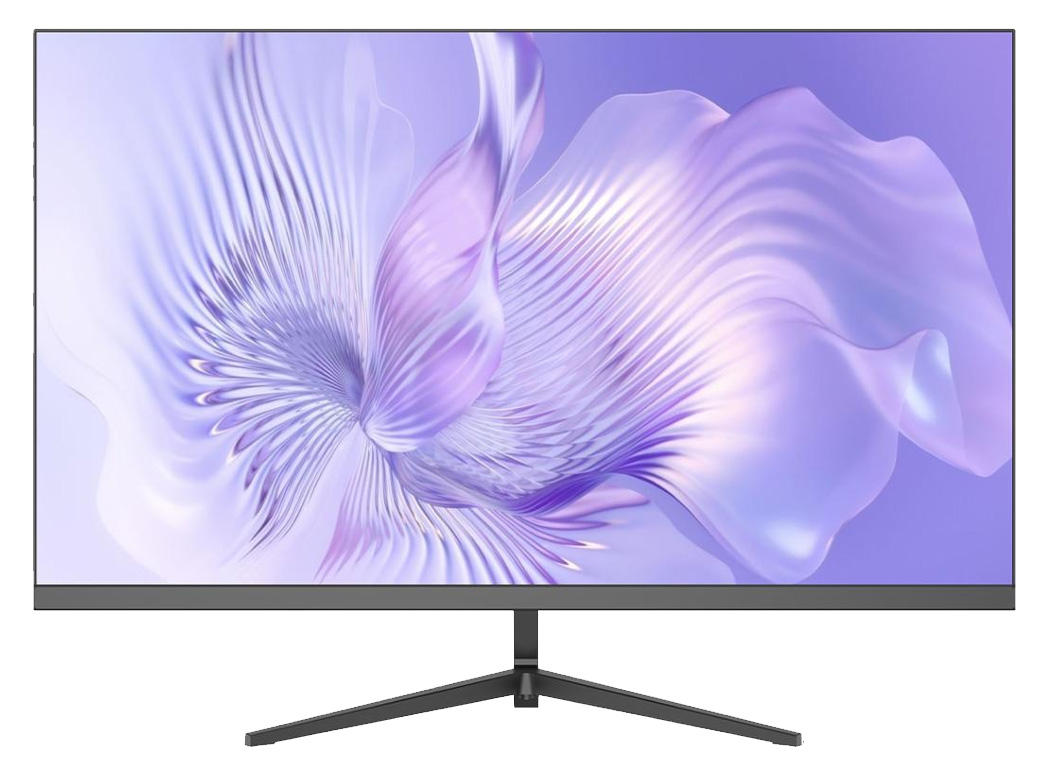
The monitor uses a straight-screen structure with a black exterior and a simple, contemporary appearance. Its V-shaped metal stand provides a stable base while helping the product maintain a compact visual footprint.
The design is suitable for both consumer and commercial settings. It can blend into a home office, company workstation, computer classroom, gaming setup, or public service counter without a highly specialized appearance.
The stand and panel structure also provide a useful starting point for customers developing their own product line. Depending on the project, the exterior finish, logo placement, packaging, interface configuration, and other product details may be discussed as part of an OEM or ODM development process.
Simple On-Screen Controls
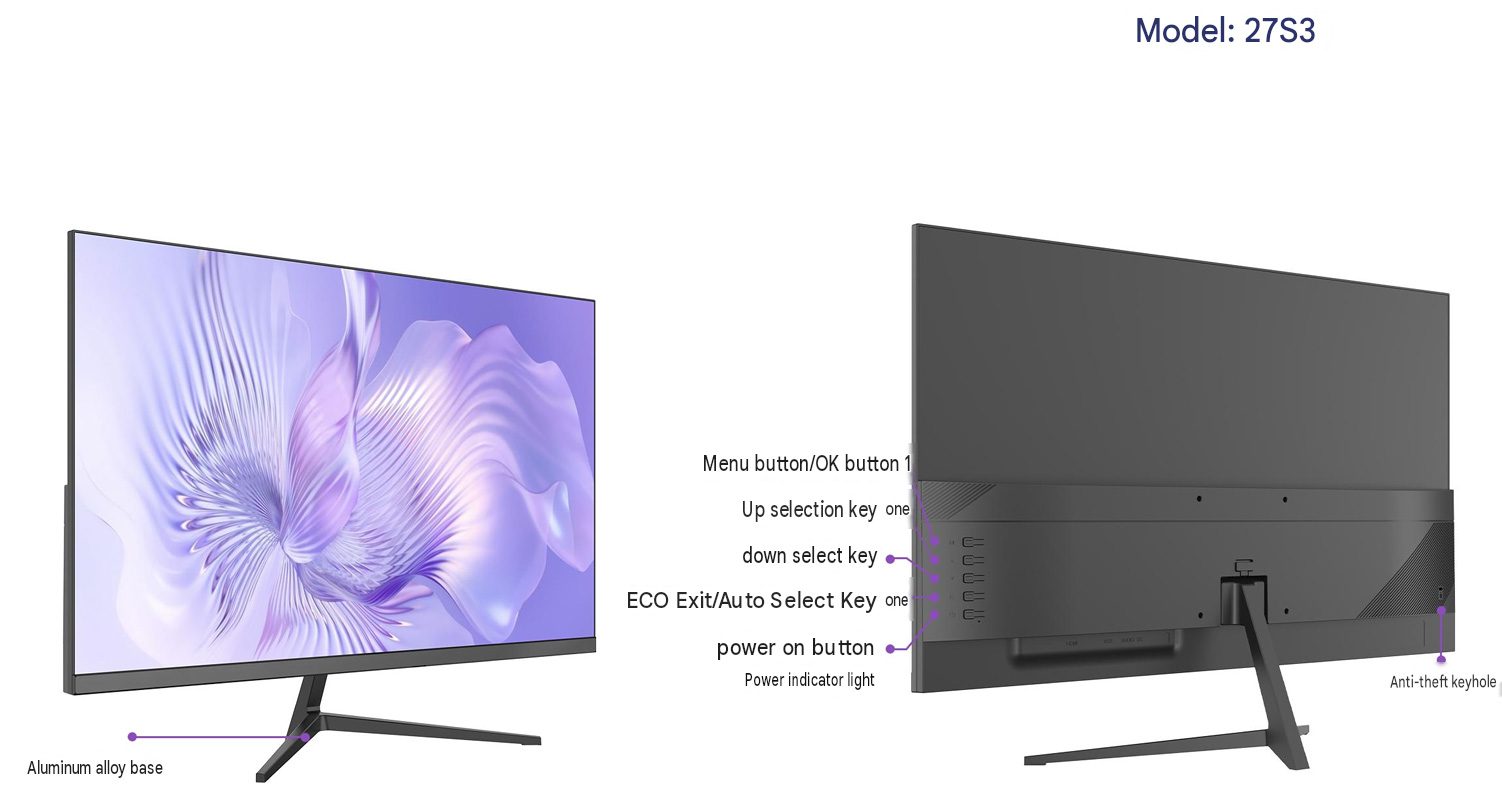
The 27S3 includes physical controls for common monitor operations. The listed buttons include:
Menu and confirmation.
Up selection.
Down selection.
ECO exit or automatic selection.
Power on/off.
Power indicator.
This control arrangement provides a straightforward way for users to adjust the display without requiring complicated software. The menu system can support common monitor settings such as brightness, contrast, color temperature, input selection, and other functions according to the selected mainboard solution.
The monitor also supports adjustable color temperature. This allows users to choose a warmer or cooler image style according to their preference and application. For long working sessions, users may prefer a display setting that feels more comfortable in their particular lighting environment.
Built for OEM and Project Supply
For monitor importers and product brands, a display is more than a finished retail item. Stable configuration, communication, and supply coordination are equally important.
The 27S3 is designed around a configurable platform. The product specification indicates that the base interface and power supply depend on the mainboard configuration. This means that the final interface selection, function list, and performance should be confirmed according to the project requirements before production.
Potential project discussions may include:
Screen resolution and refresh rate.
Mainboard and input-interface configuration.
Power-supply requirements.
Housing and logo details.
Packaging design.
User manual and labeling.
Sample approval and mass production.
Regional certification requirements.
Because specifications can vary according to the selected configuration, customers should request a complete technical datasheet and sample confirmation before placing a production order.
Applications of the 27S3 Monitor
The 27S3 can be considered for a wide range of indoor display applications:
Office and Business
Its 27-inch size provides enough room for common business software, email, browser-based platforms, and document work. It can also be used as part of a dual-monitor workstation.
Education and Training
The large screen and wide viewing angle make it suitable for computer classrooms, training centers, and home study environments.
Home Office
The clean appearance and practical footprint make it appropriate for users who need a larger screen without moving to an ultra-wide format.
Gaming and Entertainment
The 144 Hz configuration can be considered for gaming-focused product lines, subject to the selected resolution, interface, and system compatibility.
Commercial and Institutional Projects
The monitor can be adapted for procurement projects where consistent appearance, defined specifications, and stable supply are important.
Why Work With a Professional Monitor Manufacturer?
A capable monitor supplier should do more than provide a product image and a basic specification sheet. International buyers need clear communication throughout the development and supply process.
Important areas to evaluate include:
Whether the supplier can support different configurations.
Whether samples can be provided for testing.
Whether production specifications are clearly documented.
Whether quality-control procedures are established.
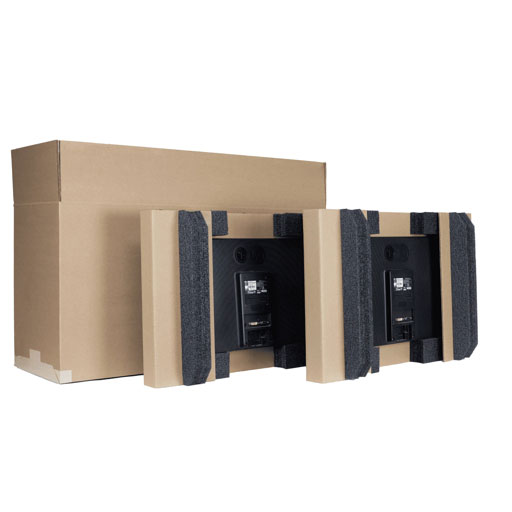
Whether packaging and labeling can be adapted.
Whether after-sales communication is responsive.
Whether the supplier understands the requirements of export markets.
For distributors and brands, the best product is not necessarily the one with the longest specification list. It is the one that matches the target market, maintains consistent quality, and can be supplied reliably over time.
Request the Full Specification
The 27S3 27-inch IPS monitor offers a practical combination of screen size, configurable resolution, flexible refresh-rate options, wide viewing angles, and a clean metal-stand design. It can serve as a foundation for office, home, education, commercial, and entry-level gaming monitor projects.
If you are sourcing monitors for distribution, private labeling, or an OEM project, contact us for the complete specification sheet, available configurations, sample information, packaging options, and quotation.
Product Highlights
27-inch straight-screen monitor.
IPS panel.
16:9 aspect ratio.
1920 × 1080 or 2560 × 1440 configuration options.
60 Hz, 75 Hz, or 144 Hz refresh-rate options.
178° horizontal and vertical viewing angles.
250 cd/m² brightness.
3000:1 static contrast ratio.
Adjustable color temperature.
Black housing with V-shaped metal stand.
OEM and project configuration support.


Reviews
There are no reviews yet.